
How to Fish MorePlayers Mod: Install, Configure & Remove
Use the unofficial MorePlayers Thunderstore mod for up to 32 slots, align host and client versions, edit MaxPlayers, test safely, and roll back cleanly.
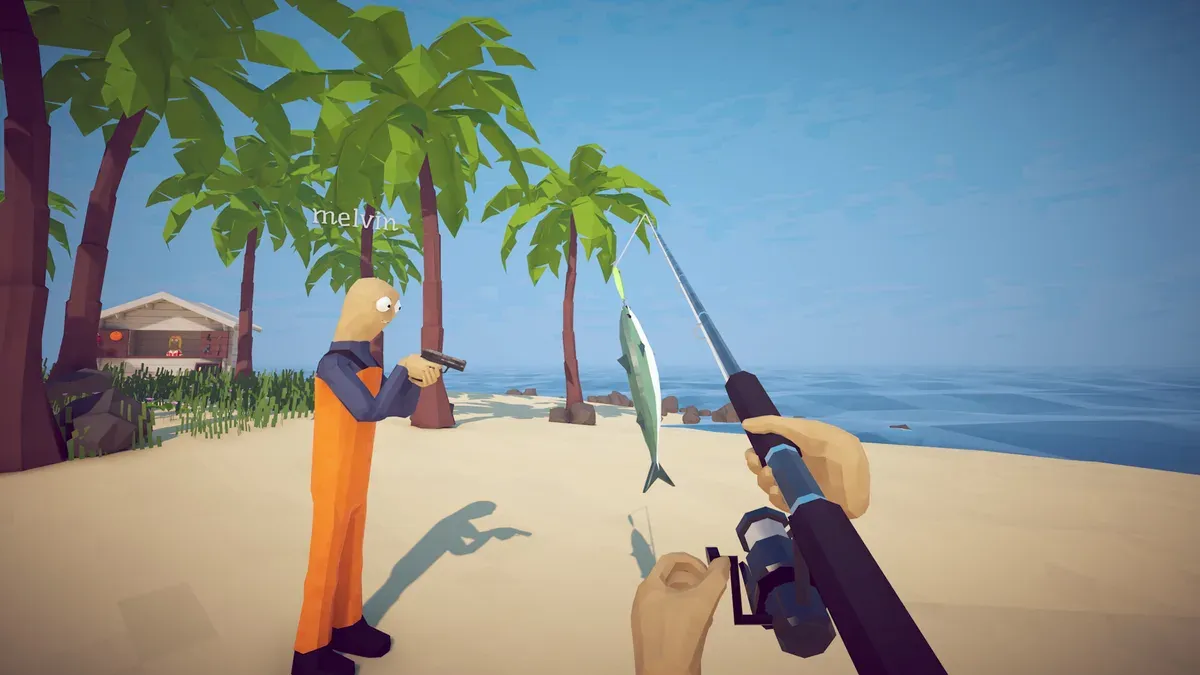
MorePlayers is an unofficial mod, not a Dazed Games feature. Version 0.1.0 advertises up to 32 players, defaults to MaxPlayers=32, and requires BepInExPack 5.4.2305. The base game officially supports lobbies of up to 8 since Patch 1.0.4.
Before installing
- Recheck the MorePlayers 0.1.0 release page and its required dependency before every game update.
- Use a separate Thunderstore profile so the entire modded setup can be disabled in one action.
- Back up any important save and start testing with a new or non-critical session.
- Make every host and client use the same game, BepInExPack, and MorePlayers versions.
Neither Thunderstore nor Dazed Games guarantees 32-player stability, official support, or zero account risk. The number 32 describes the plugin’s setting, not a load test performed by this wiki.
Install and configure MorePlayers
- In a Thunderstore-compatible mod manager, create a dedicated How to Fish profile.
- Install MorePlayers 0.1.0 and allow the manager to install BepInExPack
5.4.2305. - Launch the modded profile once, then close the game.
- Open
BepInEx/config/kalamies.MorePlayers.cfgin that profile. - Set
MaxPlayersto the group size you actually need. Start below 32 for the first test. - Share the exact profile versions with every participant, host a new lobby, and add one client at a time.
The release page does not document a manual DLL installation procedure, so this guide does not invent one.
Diagnose a failed modded lobby
If players see a black screen, red Relay text, invisible players, or inventory problems, stop adding clients. Record the game build and mod versions, then disable the complete profile and repeat the same test in a clean two-player lobby.
- Clean lobby works: the mod profile or version alignment is the leading variable.
- Clean lobby also fails: follow the base-game multiplayer guide.
- Relay remains red: resolve Steam connection initialization before testing lobby size.
Patch 1.0.11 only says its join-inventory invisible-player issue is “hopefully fixed.” It is not a compatibility promise for MorePlayers.
Remove or roll back
Disable the dedicated profile, launch the unmodded game, verify Steam files if modified files remain, and create a fresh lobby capped at the official eight-player limit. Do not reuse a failing modded room as the clean comparison.
Sources: MorePlayers 0.1.0, required dependency, official Patch 1.0.4, and Patch 1.0.11, checked 2026-09-04.
Related Articles
guide
How to Fish Beginner Guide: First Hour, Controls & Upgrades
Learn the first-hour How to Fish loop: controls, safe selling, useful upgrades, NPC hand-ins, the $10 Radar, co-op roles, and first boss.
guide
How to Fish Difficulty Settings: Easy, Normal or Hard?
Compare the official How to Fish Easy, Normal and Hard modifiers, choose a mode for solo or co-op, and verify which patch added the setting.
guide
How to Fish Island Progression: Unlock Every Island
Unlock five prerequisite story islands and the mainland endgame with the exact NPC, boss trophy, boat key, $10 Radar, and green-marker checks.